Main Interface
Understand Yotta's primary navigation
Workflows
Create, organize, import, export, and run automation workflows.
Library
Stores editable keyboard/mouse macros and precise recordings that can be reused across workflows.
Schedules
Start one or more workflows manually, daily, at intervals, or from a global shortcut.
Settings
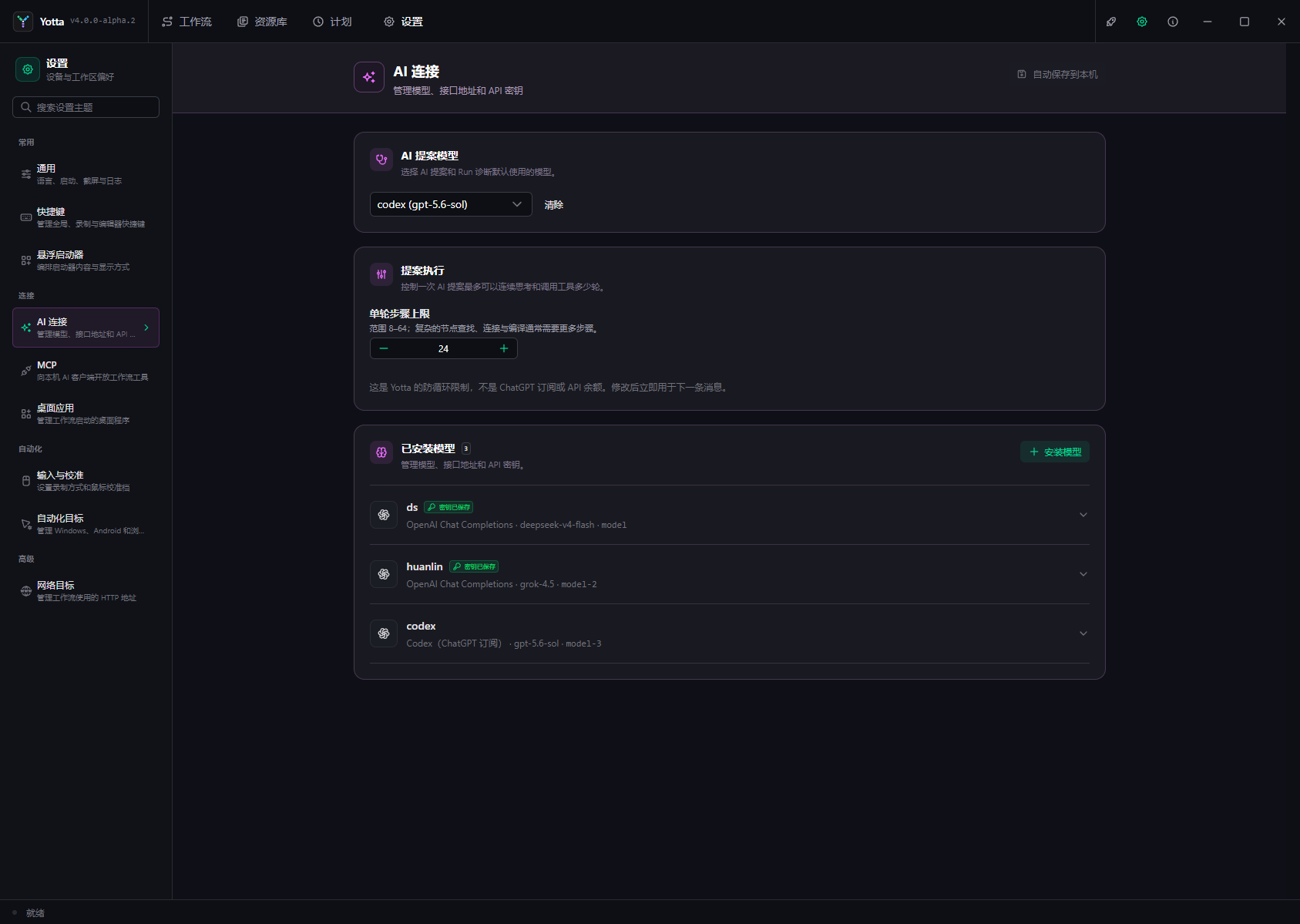
Configure local behavior, shortcuts, calibration, launcher content, AI, MCP, network targets, desktop applications, and automation targets. Settings save automatically; items marked for restart take effect after Yotta restarts.
Runtime tools
The editor bottom bar opens Diagnostics, Logs, Timeline, and Debug. When a workflow behaves unexpectedly, inspect the first failed Timeline entry rather than relying only on the target screen.